The Cash Receipts lookup is used to locate and review the posting of carriers’ payments.
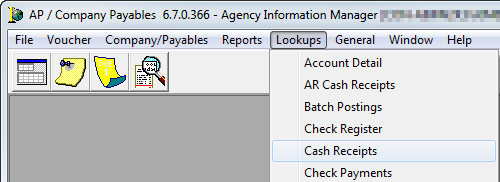
- On the Lookups menu, click Cash Receipts.
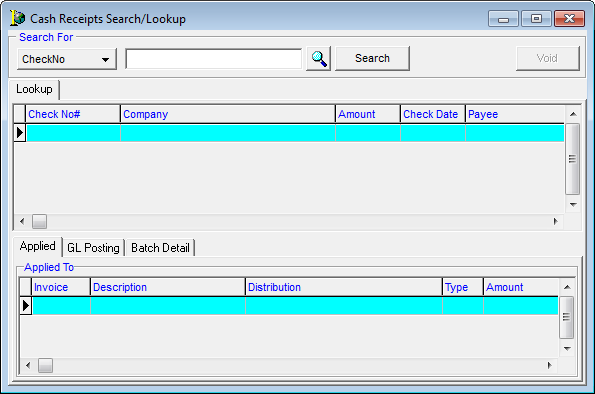
The features and fields of the Cash Receipts Search/Lookup dialog box are displayed in the table below.
|
Field/Feature |
Function |
|---|---|
|
Search For |
From the drop down, select the criteria to be used to search for a Cash Receipts batch. Choose from:
|
|
Magnifying Glass |
Click to open the Payment Search dialog box for an in-depth search of the system. |
|
Search |
Click to complete the search process. |
|
Void |
Allows a payment selected in the upper grid to be voided by opening the Process Void/NSF Cash receipt. |
|
Applied tab |
Displays detail related to checks applied to invoices |
|
GL Posting tab |
Displays General Ledger details for checks applied directly to an offsetting General Ledger account |
|
Batch Detail tab |
Contains details on additional checks entered into the same batch |
- Enter the search criteria as described above.
- Review detail as necessary.
 See Also